The new flagship
Venix
A palm vein and 3D face recognition smart deadbolt with a 720p video doorbell.
Six ways in
- 3D face
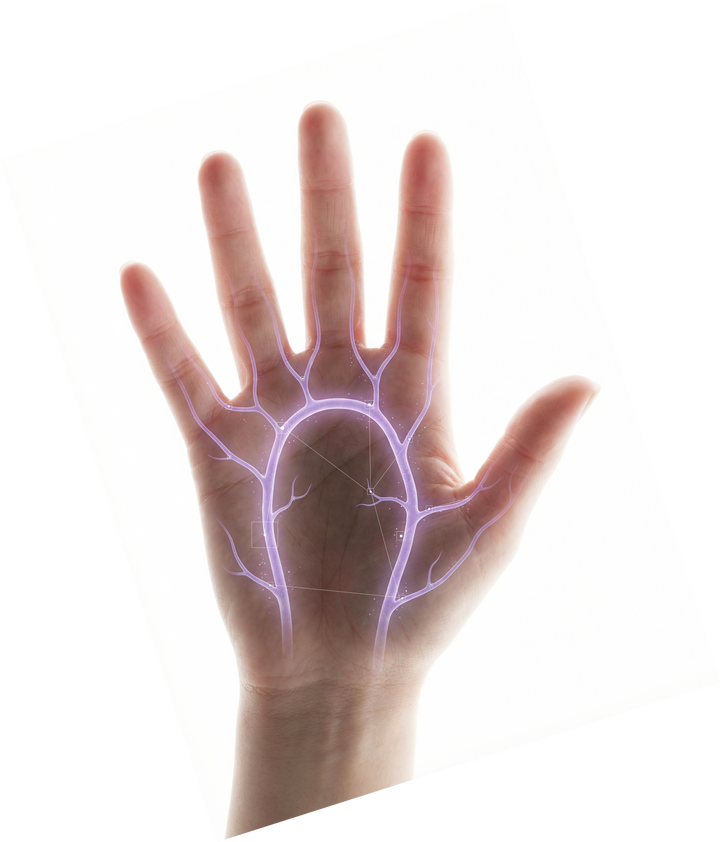
- Palm vein
- PIN
- Temporary PIN
- Tuya app
- Mechanical key
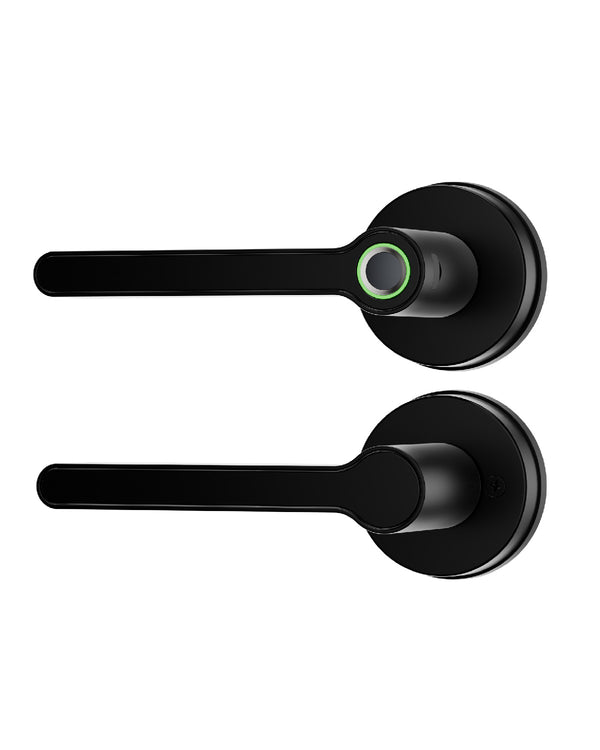
Smart deadbolt only. Handle not included.
The flagship smart lock
Six ways in and a 720p video doorbell, in one slim panel.

*Remote unlock needs Venix set up in the Tuya Smart app on 2.4 GHz Wi-Fi, and your phone online. Smart deadbolt only. Separate handle required and not included. Illustrative animation.
Venix in use
Venix is a smart deadbolt: it retracts the bolt, and you open the door with your own handle.

Illustrative scenes, sped up. The handle is separate and not included. Auto-relock is optional and runs on a timer after unlocking (5 to 99 seconds, set in the Tuya Smart app); it doesn't detect whether the door is closed. The 10-second countdown is an example.
The new flagship
A palm vein and 3D face recognition smart deadbolt with a 720p video doorbell.
Six ways in
Smart deadbolt only. Handle not included.

Blusafe
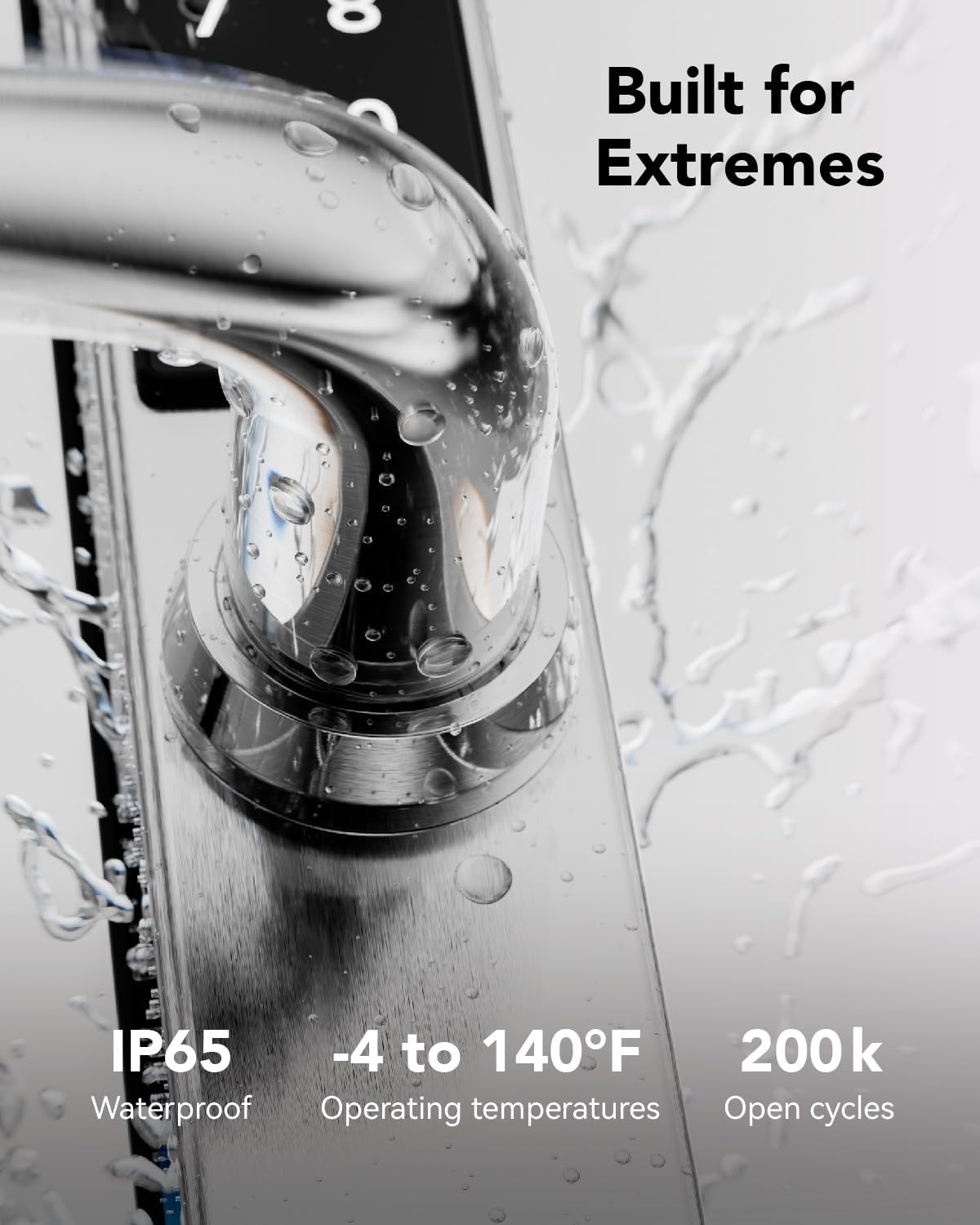
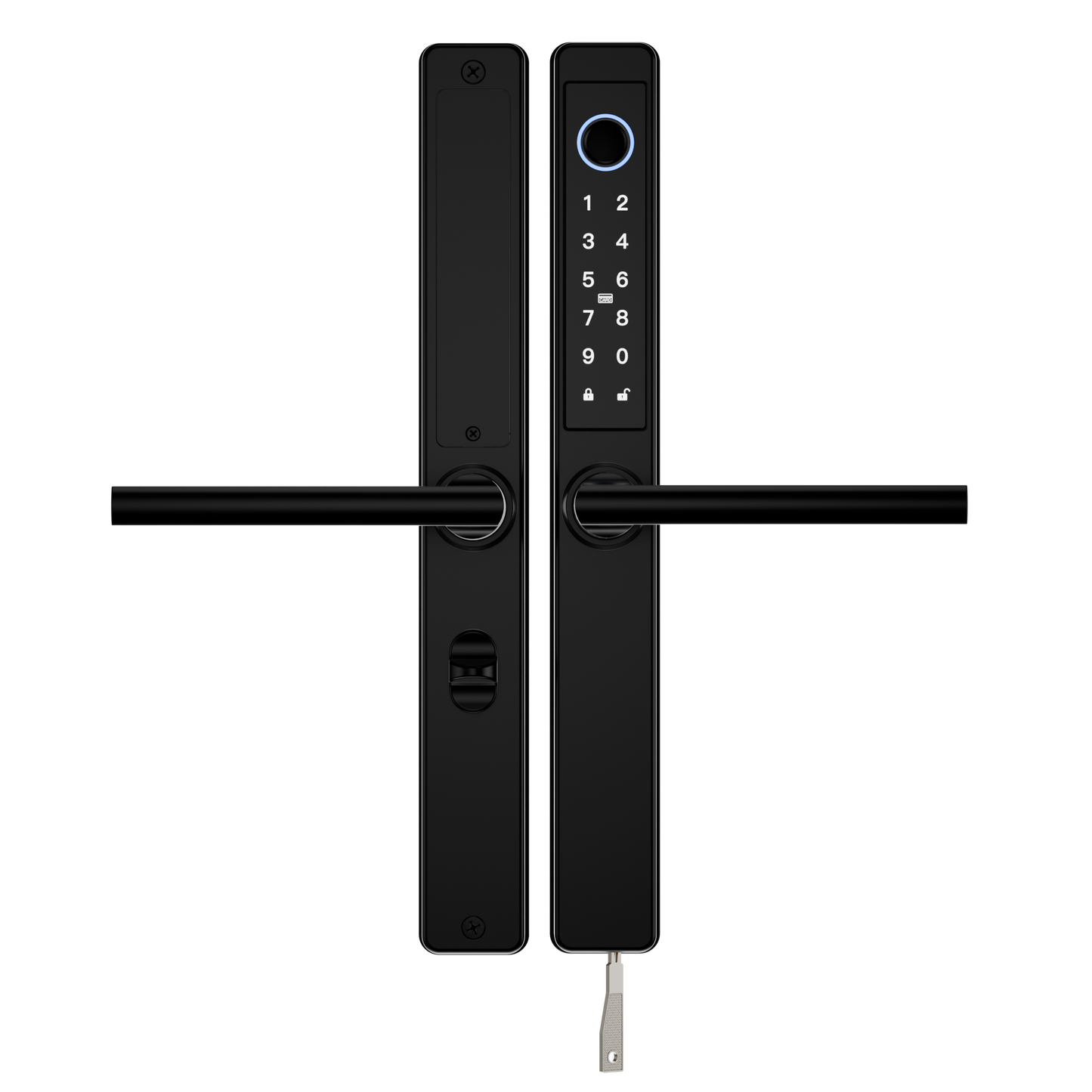
Crafted from 304 stainless steel with an IP65 weather rating.



Across the Blusafe range
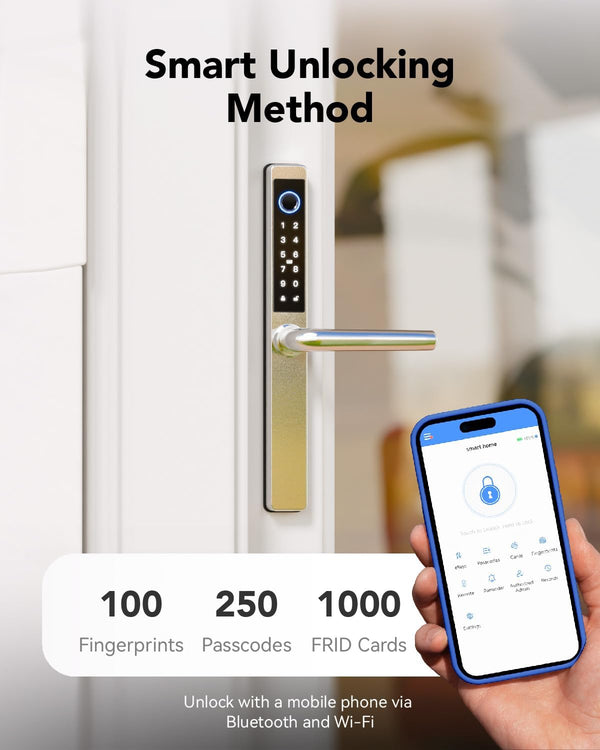
Quick entry, safer sharing and a setup that suits your door. Features vary by lock: each product page lists what that lock supports, and Venix has its own set.

Fast access for daily entry without reaching for keys.

Create codes for family, guests, staff, or short-term stays.

Manage users, check activity, and update access from TTLock.

Use a Wi-Fi bridge when you need access control away from the door.

Give simple tap access where product support allows it.

Connect compatible products through a bridge for smart-home routines.

See who unlocked the door and when.

Get a heads-up before batteries need replacing.
Technology highlights
Discover the details that make Blusafe locks a dependable choice for your home, from weather-resistant finishes to simple app-controlled access.

Geofencing
Let compatible app routines support smoother arrivals without making everyday entry feel complicated.
Read more
IP65 waterproof
What the IP65 rating means for an outdoor lock: dust-tight, and protected against jets of water from any direction.
Read more
7-Star coating
How a seven-layer plating process helps Blusafe hardware resist corrosion and keep its finish.
Read more
Smart x tradition
Traditional hardware in the same style and colors as our smart locks, so the whole door matches.
Read more


Trusted by
From global names to independent locksmiths.